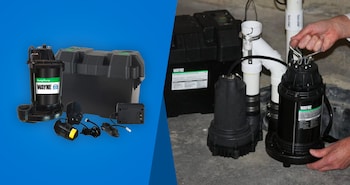
This and many other products are now available for order online and pickup at the Power Equipment Direct warehouse in Bolingbrook, Illinois or at a Ferguson Supply location near you.
Answer:
The nearest pickup location within a 50-mile radius is automatically chosen when you enter the site. To change your pickup location and see availability for other nearby locations, click the "Change Pickup Location" link on the product page or in the cart.
Answer:
Eligible items will have the Local Pickup option available both on the product page and in the cart. Select this option for all items you wish to pick up. Please note that Local Pickup can only be scheduled online at this time.
Answer:
Items are usually ready for pickup the same day the online order is placed, but this will depend on order volume and time of day. When your order is ready, you will receive an email including specific pickup instructions. Make sure to check your junk/spam folder. Orders not picked up within two business days may be canceled. You should opt to have your items shipped if you cannot pick them up promptly.
Answer:
You will be prompted to enter the name, mobile phone, and email address of the person who will be picking up the order during checkout. We will use this information to ensure the order is picked up by an authorized individual.
Answer:
Not all items are available at all locations, so pickup availability will vary based on the selected store. Additionally, some items ship directly from our manufacturer partners and are not available for pickup. You can use the "Change Pickup Location" link to check for availability at nearby Local Pickup locations.
Answer:
Due to packaging, shipping costs, and other factors, some items cannot be shipped and are offered exclusively through Local Pickup.
Answer:
Credit/debit cards, Apple Pay, Google Pay, PayPal, and financing are accepted for Local Pickup orders.
Answer:
Make sure to have your order confirmation and a photo ID available when picking up your order. Check the item dimensions and ensure the items will fit in your vehicle. Bring any straps and other materials that will be needed to secure the items for transport.
Hover to zoom
1 Of 5
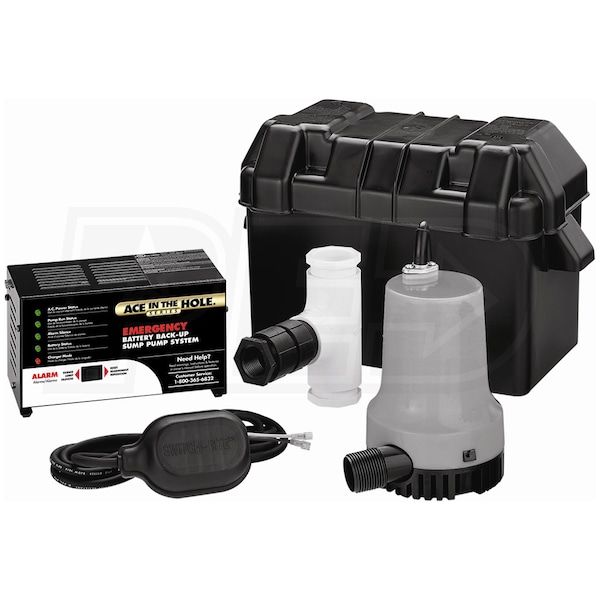
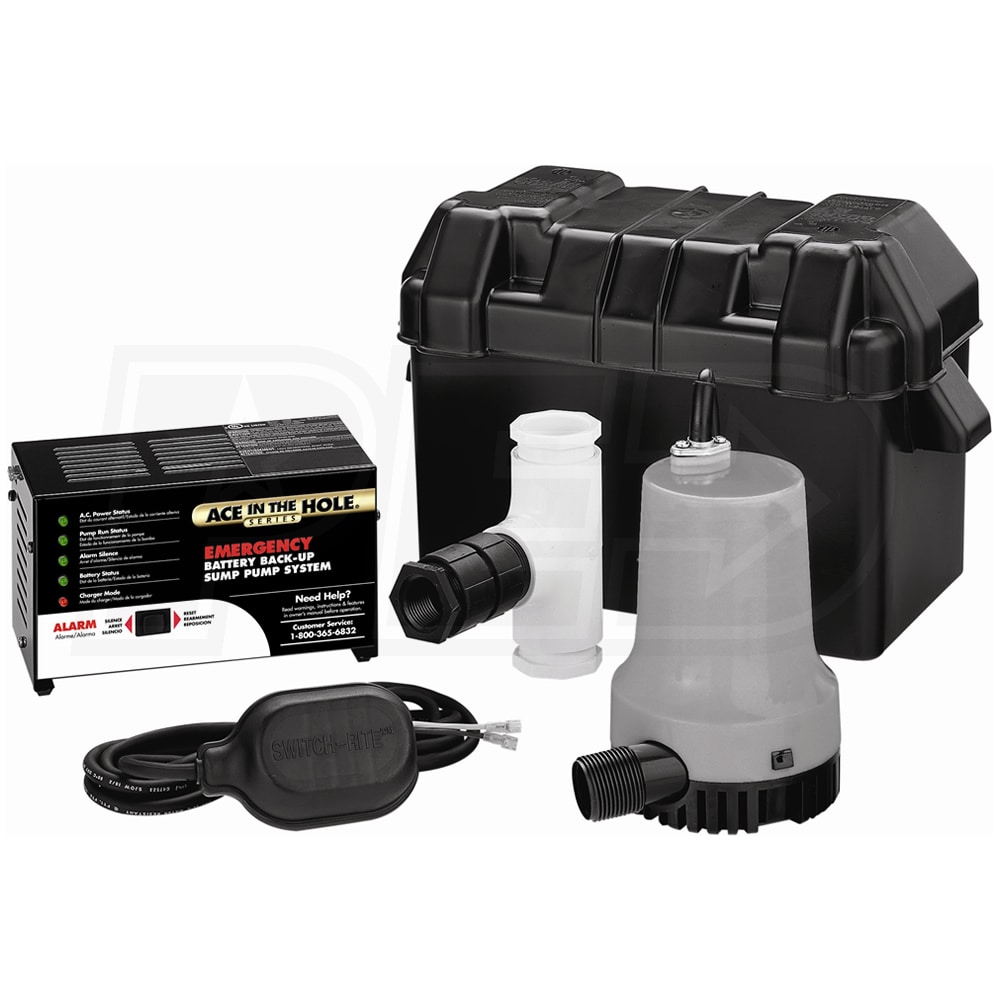
Simer A5500 - Super Ace-In-The-Hole Battery Backup Sump Pump System (2000 GPH @ 10')